


The complete guide · 5 min read
Medieval Engineers Server Hosting: The Complete Guide
Medieval Engineers asks you to build the way medieval engineers did: with timber, stone, ropes, gears and gravity that does not forgive a weak wall. A shared server turns that into a group project. This guide covers the state of the game, how to size and configure a server, mods, worlds and the habits that keep a long-running build world healthy.
By Matthew Griffin, Owner, Gaming DeluxePublished · Updated
In this guide
- What Makes Medieval Engineers Different
- The State of the Game: Release, Keen and the Community Edition
- Choosing Slots and Memory
- Setting the Rules: Survival, Building and Shared Land
- Starting a World or Bringing Your Own
- Workshop Mods Without the Headaches
- Keeping a Build World Healthy
- What to Compare Before Renting a Medieval Engineers Server
- Medieval Engineers Server Glossary
- Medieval Engineers Server Help and Next Steps
What Makes Medieval Engineers Different
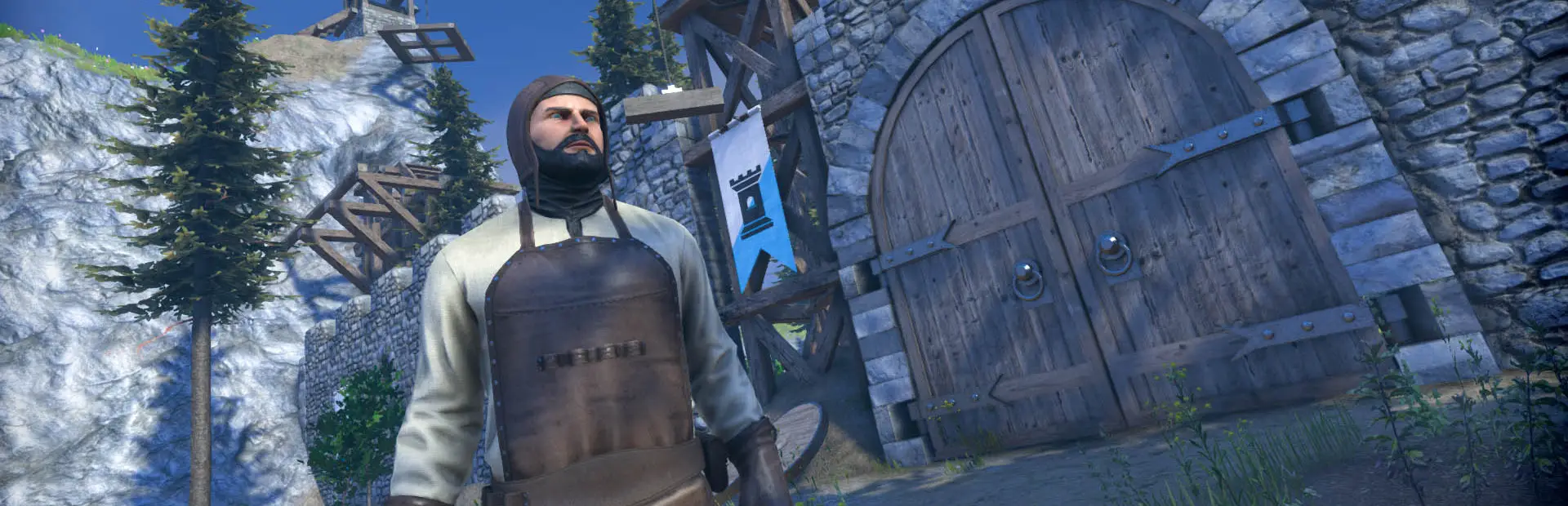
Keen Software House describes Medieval Engineers as a sandbox about engineering, construction and the maintenance of architectural works and mechanical equipment using medieval technology. Players build cities, castles and fortifications, design mechanical devices and engines, reshape the landscape and mine underground, all on a planet they can explore.
Keen made it the second of its engineering games, after Space Engineers, and kept to a strict rule: follow the laws of physics and history, and use only technology available between the 5th and 15th centuries. That rule is what makes a shared world interesting. A drawbridge, a trebuchet or a watermill is a real engineering problem, and solving it with friends is the point of running a server.
The State of the Game: Release, Keen and the Community Edition
Medieval Engineers opened in Early Access on 19 February 2015. On 17 March 2020 Keen took it out of Early Access and announced the end of its own development, explaining that it had restructured its teams to focus on Space Engineers.
Community members felt the game had more to offer, and Keen created a framework for community-led development. The result is the Medieval Engineers Community Edition, led by volunteer developers with Keen helping on Steam publishing and hosting. It was announced on Steam on 7 April 2022, and update 0.7.4 followed on 9 December 2024 with bug fixes, server and inventory improvements and better modding support. There is no fixed release schedule.
Choosing Slots and Memory
Medieval Engineers is sold here on a slider from 10 to 64 slots. The four plans bundle memory that grows with the group, because the load on a building game comes from what players are doing as much as from how many there are.
| Group | Plan | Memory |
|---|---|---|
| A few friends building one settlement | 10 Slots | 5GB (free tier) |
| Friends with their own castles | 16 Slots | 8GB |
| A community with mods | 24 Slots | 12GB |
| Kingdoms, sieges, many mods | 32 Slots | 16GB |
Builds spread across the planet keep more of the world active, and every mod adds its own data. If the server starts to struggle, check the memory graph before buying more slots. Moving up a tier is done from the client area and keeps your world in place.
Setting the Rules: Survival, Building and Shared Land
Before the first stone is laid, decide what kind of world you are running. Keen built Medieval Engineers around construction but notes that it can also be played as a survival game, and those two styles lead to very different servers.
- Survival world: materials have to be gathered, carried and processed, so a castle represents real effort. Progress feels earned, and a working mine or mill becomes a shared asset everyone depends on.
- Building world: the focus is on design rather than gathering. This suits groups who want to recreate a real castle, test siege engines or experiment with mechanisms without the grind.
- Mixed groups: some communities start in survival and later relax the rules for big group projects. Change one setting at a time, and back up the world first.
Land matters on a shared planet. Agree early where each player or group builds, how far apart settlements sit, and what happens to abandoned projects. Clear rules avoid arguments, and they also help the server: builds clustered sensibly put less strain on memory than dozens of half-finished structures scattered across the map. Write the rules in the server name or your community channel, so newcomers know what to expect when they join.
Finally, keep a password on the server while you set it up. Open it to the public only when the world, the mod list and the rules are ready, so first impressions are good ones.
Starting a World or Bringing Your Own
- Decide whether you want a fresh world or one you already started in single player.
- For your own world, stop the server and upload the save folder over SFTP.
- Point the server configuration at that world and set the session options: name, password, survival or creative play and the mod list.
- Start the server and watch the log viewer until the world has loaded.
- Take a backup once everything works, so you always have a clean starting point.
A world that has grown for months is worth protecting. Our 7 days of offsite backups are a safety net, but your own backup before a big change is the quickest way back.
Workshop Mods Without the Headaches
The Steam Workshop is where Medieval Engineers gets most of its variety. A sensible approach on a shared server:
- Start small: add a handful of mods, test them, then add more.
- Match the branch: mods made for one build may not load on another; check against the branch your group plays.
- One change at a time: if the server fails to start, you will know which mod caused it.
- Tell your players: everyone needs the same mods, which Steam downloads when they join.
- Back up first: a mod removed from a world can leave broken blocks behind.
Keeping a Build World Healthy
Building servers live for a long time, often far longer than survival servers. A few habits make the difference. Schedule a daily restart at a quiet hour. Agree on building areas, so projects do not collide and the load spreads sensibly. Remove abandoned contraptions that keep physics busy. Give a trusted co-builder a sub-user login so the server is never stuck waiting for one person.
Because Keen has finished its own work on the game and the Community Edition updates without a fixed schedule, a Medieval Engineers server is a stable place to build. Your world will not be broken by surprise patches, and the community's updates arrive as clearly announced versions you can plan for.
What to Compare Before Renting a Medieval Engineers Server
Few hosts still offer Medieval Engineers. Compare the ones that do on these points.
- Memory per planA building game needs memory that grows with the world. Check what each plan really includes.
- World uploadYou should be able to upload and download your world over SFTP.
- Branch helpAsk whether the host can match the branch your group plays.
- BackupsLong-lived worlds need offsite backups you can restore.
- LocationPhysics feels better on a nearby server; test the ping first.
- Flexible sizesA slider from 10 to 64 slots lets you pay for the group you have.
Medieval Engineers Server Glossary
- Community Edition
- The volunteer-led continuation of the game, supported by Keen.
- Beta branch
- An alternative build of a game on Steam, chosen in its Properties.
- Workshop
- Steam's library of community mods for the game.
- Survival
- A way to play where materials and progress have to be earned.
- Voxel terrain
- Ground that can be dug and reshaped, used for mining and landscaping.
- Save folder
- The files that hold a world, uploaded to the server over SFTP.
- Sub-user
- An extra panel login with limited rights.
Medieval Engineers Server Help and Next Steps
Useful links for running your server.
How this guide was made: researched from the Medieval Engineers Steam store page, Keen's and the Community Edition team's update posts on Steam and the Community Edition website, drafted with AI assistance, checked against our live order form and knowledge base for every plan, price, location and panel tool, and reviewed by Matthew Griffin before publishing. Spotted something out of date? Tell us.
Sources, checked 23 October 2026:
- Medieval Engineers on Steam (Keen Software House, Early Access 19 February 2015, release out of Early Access 17 March 2020, end of Keen's development, Community Edition framework, Workshop)
- Medieval Engineers news on Steam (Update & Leaving Early Access, 17 March 2020; Community Edition, 7 April 2022; Community Edition 0.7.4, 9 December 2024)
- Medieval Engineers: Community Edition website (volunteer-led, Keen-supported, Steam branch, no release schedule)
- Gaming Deluxe knowledge base: How to use our SFTP service
- Gaming Deluxe order form, Medieval Engineers