


The complete guide · 5 min read
SCP: Secret Laboratory Server Hosting Guide: Configs, Plugins and Verification
This guide covers what you need to run an SCP: Secret Laboratory server for other people: the dedicated server, the config files, admin roles, LabAPI plugins and the route to the verified list. It is written for whoever in the group ends up as the facility's head of security.
By Matthew Griffin, Owner, Gaming DeluxePublished · Updated
In this guide
- Why Run Your Own SCP:SL Server
- The Official Dedicated Server
- config_gameplay.txt and the Remote Admin Config
- Admins, Roles and Moderation
- LabAPI Plugins
- Getting on the Verified Server List
- Choosing Slots and Memory
- Updates, Megapatches and Backups
- What to Compare Before You Rent an SCP:SL Server
- SCP: Secret Laboratory Server Glossary
- SCP: Secret Laboratory Server Help and Next Steps
Why Run Your Own SCP:SL Server
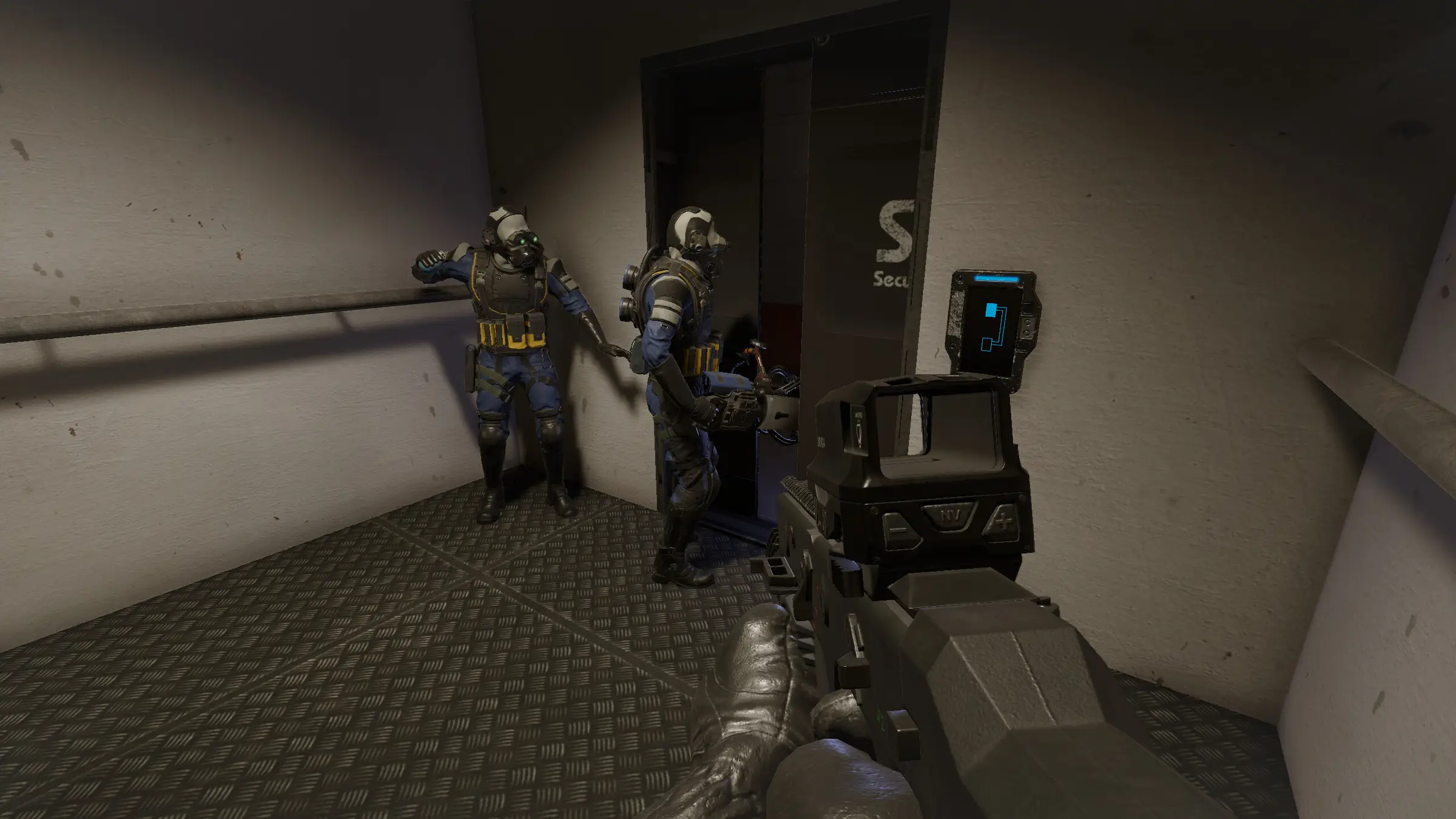
SCP: Secret Laboratory is Northwood Studios' free-to-play multiplayer horror game, set during a containment breach at Site-02. Players spawn as Scientists, Class-D personnel, Facility Guards, Mobile Task Force operatives or Chaos Insurgency soldiers, or as one of the escaped SCPs, and every round is a scramble to escape, contain or kill. The game is built on rounds, so the server's settings decide what each round feels like.
Public servers each have their own rules, plugins and moderators. Running your own lets you set friendly fire, respawn tickets, round restarts and plugins for your community, and keep the same rules from one evening to the next. A rented server adds steady hardware, a fixed address and the uptime Northwood expects from verified servers, without a PC left running at home. If your community also runs a GTA V roleplay city, FiveM server hosting keeps it with the same support team.
The Official Dedicated Server
Northwood publishes a separate Steam tool, the SCP: Secret Laboratory Dedicated Server, which runs inside a wrapper called LocalAdmin. Its tech wiki lists minimum specifications of 3GB of RAM, two CPU cores and 4GB of storage for a full 25 player server without plugins, and notes that ARM processors are not supported.
On our servers that tool is installed for you, kept current with Steam Update and started from the panel. You go straight to the interesting part: configuring the facility.
config_gameplay.txt and the Remote Admin Config
Almost every server setting lives in two text files, stored in a folder named after the server's port. The gameplay config handles the round itself; the Remote Admin config decides who can moderate.
| Setting in config_gameplay.txt | What it controls | Default |
|---|---|---|
| server_name | The name shown in the server list | My Server Name |
| max_players | How many players a round can hold | 20 |
| server_tickrate | How many times per second the server updates | 60 |
| friendly_fire | Whether team damage is on | false |
| afk_time | Seconds before an idle player is kicked | 90 |
Admins, Roles and Moderation
Moderation runs through Remote Admin, an in-game panel that lets staff manage players and the round. Who sees which buttons is defined in the Remote Admin config, using roles and permissions documented on Northwood's tech wiki.
- Open the Remote Admin config in the File Manager.
- Create roles for owners, admins and moderators, each with only the permissions they need.
- Add each staff member's ID to their role.
- Restart and test the Remote Admin panel in game with a moderator account.
The tech wiki also covers whitelists, reserved slots and Northwood's Polaris moderation tool. A whitelist suits a private community server; reserved slots let regulars in when a public server is full.
LabAPI Plugins
Plugins are how SCP:SL communities stand out: custom roles, round events, admin tools and statistics. Since 14.1 the game includes LabAPI, Northwood's official plugin loader. The older NwPluginAPI repository was archived in June 2025 and now points to LabAPI, so new plugins target LabAPI.
- Find plugins through Northwood's plugin list or a plugin's own page, and check the LabAPI version it needs.
- Upload the plugin file to the server's plugin folder with SFTP or the File Manager.
- Restart and read the log to confirm the plugin loaded.
- Mark the server as transparently modded in the gameplay config if your plugins change gameplay in the way Northwood's guidelines describe.
More plugins mean more memory, which is why our larger plans include more RAM. If the memory graph in the panel rises with each plugin you add, step up a tier.
Getting on the Verified Server List
The verified list is where most players look for a server. Northwood's guide is clear that verification is a commitment: verified servers should have close to 100% uptime, handle a full player count without lag spikes, and run on at least two physical cores, 4GB of memory and 20GB of storage. A small private server for friends may not need it at all.
- Set server_name, serverinfo_pastebin_id and contact_email in config_gameplay.txt.
- Restart, then run the verify command from the web console, using the static option for a fixed address.
- If automatic verification fails, follow the email method in Northwood's guide.
- Read and sign the Community Server Guidelines when asked.
Choosing Slots and Memory
Round size changes the game. With 10 players a breach is intimate and every Class-D counts; with 30 the facility fills with firefights and respawn waves. Northwood's default max_players is 20, a good middle ground. Our order form sells any count from 10 to 30, and our plans bundle memory to match: 5GB on 10 slots, 8GB on 20 and 12GB on 30.
Those numbers sit well above Northwood's 3GB minimum because real servers run plugins, and plugins use memory. Start where your round size is, watch the panel's graph for a week, and adjust.
Updates, Megapatches and Backups
Northwood patches regularly, and the large Megapatch releases can change both gameplay and the plugin API. When an update lands, take a snapshot, check your plugins, run Steam Update and restart. Players on the new client cannot join an outdated server, so do not leave it long.
Backups on an SCP:SL server are mostly about configuration: your two config files, your plugins and their settings. The Backup Manager takes snapshots whenever you ask, Scheduled Tasks can take them nightly, and our offsite copies cover the last 7 days.
What to Compare Before You Rent an SCP:SL Server
The details that decide whether a community server lasts.
- Hardware for verificationCheck the plan meets Northwood's minimum of two physical cores, 4GB of memory and 20GB of storage.
- UptimeVerified servers need close to 100% uptime. Ask how the host handles maintenance.
- Console accessYou need a console to run the verify command and admin commands. Make sure it is in the panel.
- File accessPlugins and configs need a file manager and SFTP, not a locked-down form.
- Locations with a ping testTest from your own PC and pick the closest site to most players.
- BackupsLook for snapshots you can restore yourself before a plugin update goes wrong.
- Billing termsCompare monthly and longer cycles, and check for setup fees or minimum terms.
SCP: Secret Laboratory Server Glossary
- LocalAdmin
- The wrapper program that starts and supervises the SCP:SL dedicated server.
- config_gameplay.txt
- The main server config: name, player cap, round and gameplay settings.
- Remote Admin
- The in-game staff panel, with roles set in the Remote Admin config.
- LabAPI
- Northwood's official plugin loader, included with the game since 14.1.
- Verified server
- A server Northwood has approved for the main server list.
- Community Server Guidelines
- Northwood's rules that verified servers agree to follow.
- Respawn tickets
- The system that decides when Mobile Task Force or Chaos Insurgency waves arrive.
- Site-02
- The SCP Foundation facility where every round takes place.
- Megapatch
- Northwood's name for its largest updates, such as the upcoming Megapatch III.
- Slots
- How many players a round can hold at once.
SCP: Secret Laboratory Server Help and Next Steps
Official guides and our own pages.
How this guide was made: researched from Northwood's tech wiki, the official LabAPI repository and the game's Steam page and news, drafted with AI assistance, checked against our live order form for every plan, price and location, and reviewed by Matthew Griffin before publishing. Spotted something out of date? Tell us.
Sources, checked 21 October 2026:
- SCP: Secret Laboratory on Steam
- SCP: Secret Laboratory news on Steam (14.2.7, Megapatch III, Halloween)
- How to create a Dedicated Server, Northwood tech wiki
- Gameplay Config Setup, Northwood tech wiki
- How do I verify my server?, Northwood tech wiki
- LabAPI, Northwood Studios on GitHub
- NwPluginAPI (archived), Northwood Studios on GitHub
- Official site scpslgame.com: blocks automated reads (403), not used
- Gaming Deluxe order form, SCP: Secret Laboratory Game Server