


The complete guide · 5 min read
No One Survived Server Hosting Explained: A Complete Guide
This guide covers running a No One Survived server in 2026: what the game is, how the dedicated server works, the Game.ini settings Cat Play Studio documents, memory for the two maps, PvE against PvP, admin tools, updates and keeping your world safe.
By Matthew Griffin, Owner, Gaming DeluxePublished · Updated
In this guide
- What No One Survived Asks of a Server
- How the Dedicated Server Works
- Game.ini: The ServerSetting Section
- Game.ini: Shaping the Apocalypse
- Memory, Maps and Choosing a Plan
- PvE, PvP and Territories
- Admin Tools, Updates and Backups
- What to Compare Before You Rent a No One Survived Server
- No One Survived Server Glossary
- No One Survived Server Help and Next Steps
What No One Survived Asks of a Server
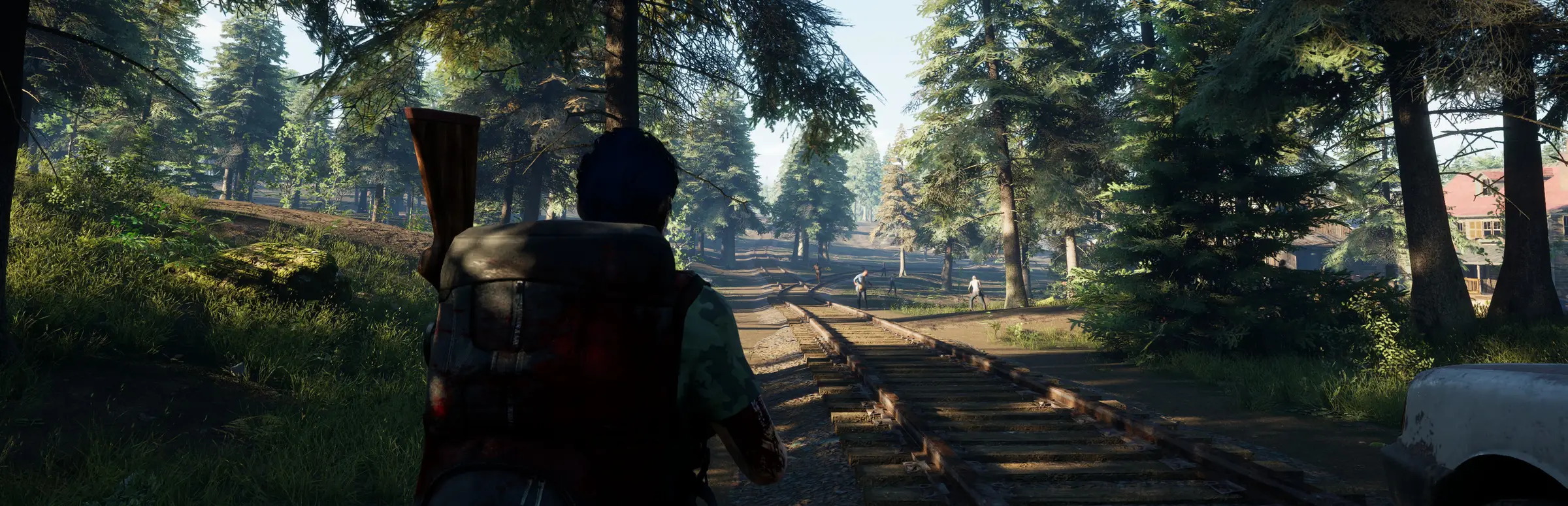
No One Survived is a cooperative open world survival sandbox from Cat Play Studio, built on Unreal Engine 5. You scavenge, learn skills from medicine and metallurgy to electrical chemistry and weapons manufacturing, and build a shelter that has to survive the zombies. Steam lists more than 400 items, nearly 150 buildables with a beam and column load system, fuel, thermal and solar power, wells and water storage, four seasons, traders, wildlife and vehicles.
All of that is a world that only grows while it is running. On a hosted game the world stops when the host logs off; on a dedicated server crops keep growing, seasons keep turning and the group can play on whatever hours suit each player. That is the main reason groups move to a server.
How the Dedicated Server Works
Cat Play Studio published deployment instructions for its Windows dedicated server in October 2023. The server is installed through SteamCMD as app 2329680, reads its settings from Game.ini, starts from StartServer.bat and updates from UpdateServer.bat. When the console shows ServerCreate, the server is up.
On our servers none of that is your job. The panel installs and starts the server, Steam Update replaces the update script, and the config editor opens Game.ini in your browser. What is left for you is the fun part: deciding what kind of apocalypse your group wants.
Game.ini: The ServerSetting Section
The first section of Game.ini defines the server itself. These are the settings from the developer's guide:
| Setting | What it does |
|---|---|
| SaveName | The name of the save, and the one loaded by default |
| ServerName | The name players search for |
| OpenMap | Map01 is the large map, Map02 the small one |
| NeedPassword, Password | Whether a password is needed, and what it is |
| MaxPlayers | The player cap, from 2 to 50 |
| NumOfZombieSpawn | Zombies in one wave, from 25 to 100 |
| Region | All, AF, AS, EU, NA, OC or SA, for the region filter |
| AdminPassword | The server administrator password |
Game.ini: Shaping the Apocalypse
The GameSettings section is where a server gets its character. Cat Play Studio's guide lists:
- ZombieAttack, ZombieAttackDay, AttackZombieNum: whether hordes attack, on which day (1 to 30) and how big (1 to 5).
- ZombieNum, RunZombiePercent, ZombieStreng: wandering zombies (1 to 3), the share that run (0.0 to 1.0) and their strength (0 to 3).
- MaterialNum, ItemSpawn, NPCItemSpawn: how much loot there is (0 to 3) and when loot and trader stock refresh.
- VirusFatalityRate: how deadly the infection is (0.0 to 1.0).
- PermanentDead: permadeath on or off.
- GiftBagForNovices: a starter pack for new players.
- YearDay, DayLength: the length of a year, and of a day at 45, 90 or 120 minutes.
- PVP: False for PvE, True for PvP.
An earlier update also added SpecialZombie=True as a server setting to turn special infected on. For a first server, the defaults with a password and a friendly horde day are a sensible start; you can make it harder once the base has walls.
Memory, Maps and Choosing a Plan
Cat Play Studio is one of the few developers to give server memory figures, and it gives them by map:
| Map | Minimum | Best |
|---|---|---|
| 64 square kilometres (large) | 8GB | 16GB |
| 16 square kilometres (small) | 4GB | 8GB |
Our smallest plan starts on the free 8GB tier, which is the best figure for the small map and the minimum for the large one. The 20 and 30 slot plans include 12GB, and the 40 and 50 slot plans include 16GB, the developer's best figure for the large map. You can add memory at any time from the client area if your world grows faster than expected.
PvE, PvP and Territories
Most groups run No One Survived as cooperative PvE, and the server started out that way: the February 2023 notes describe the dedicated server as made for the convenience of PvE players. Update 0.0.3.9 in March 2023 added a territory mechanism and a PvP mode, with a permission system so teammates can only use your items once you authorise them on the territory table. In PvP mode, the notes say, the map cannot be used.
Choose before you start a save. Switching a busy PvE server to PvP later tends to upset the players who built there, so if you want both, two servers are kinder than one that changes its rules.
Admin Tools, Updates and Backups
With AdminPassword set, Alt+Shift+O opens the server master management tool in game, and the server keeps a blacklist for players you never want back. The same March 2023 update added filtering by region in the server browser, which is why the Region setting is worth filling in.
- Since 0.0.6.0, updating the server no longer overwrites its configuration.
- That same update could not load older saves, so the developer offered a branch for the old version. Take a backup before any big update.
- After a server fix, Cat Play Studio asks owners to rerun the update. A scheduled Steam Update task does it for you.
- The server saves the world after the last player leaves, so a restart while it is empty is safe.
What to Compare Before You Rent a No One Survived Server
A few points decide whether a No One Survived server is a home or a headache.
- Memory for the large mapThe developer recommends 8GB at least and 16GB at best for the 64 square kilometre map. Check what each plan includes.
- Game.ini accessEvery rule lives in Game.ini. You need to edit it yourself, not wait for a ticket.
- BackupsA survival world is weeks of work. Check how long backups are kept and how easy a restore is.
- Update handlingPlayers update through Steam. The server must follow quickly.
- Slots up to 50The server allows up to 50 players. Check the largest size on offer.
- LocationTest the ping before you buy; it matters more than a hardware list.
No One Survived Server Glossary
- Game.ini
- The server config file with the ServerSetting and GameSettings sections.
- Map01, Map02
- The large 64 square kilometre map and the small 16 square kilometre map.
- Zombie tide
- The horde attack, set by ZombieAttack, ZombieAttackDay and AttackZombieNum.
- Territory table
- Where players claim land and authorise teammates to use their items.
- Permadeath
- PermanentDead: a death that cannot be undone.
- Special infected
- Stronger zombie types, switched on with SpecialZombie=True.
- Management tool
- The in-game server tool opened with Alt+Shift+O.
- ServerCreate
- The console message that shows the server started.
No One Survived Server Help and Next Steps
Official sources and our own pages.
How this guide was made: researched from the Steam store and Cat Play Studio's announcements on Steam, including its dedicated server deployment instructions, drafted with AI assistance, checked against our live order form for every slot range, memory tier, billing term and location, and reviewed by Matthew Griffin before publishing. Spotted something out of date? Tell us.
Sources, checked 23 October 2026:
- No One Survived on Steam (Cat Play Studio, 27 December 2025, Windows, single-player and online co-op, Unreal Engine 5 Lumen, 400+ items, ~150 buildables, power, water, seasons)
- Deployment instructions for Windows Server dedicated servers, Cat Play Studio, Steam news, 25 October 2023 (app 2329680, Game.ini settings, MaxPlayers 2-50, memory by map, StartServer.bat, UpdateServer.bat)
- No One Survived news on Steam, Cat Play Studio (0.0.3.9 March 2023 PvP, territories, Alt+Shift+O tool, blacklist; 0.0.4.5 SpecialZombie; 0.0.6.0 October 2023; 0.0.7.1 February 2024; 0.0.9.4 and 0.0.9.5 September 2025; 1.0 December 2025; 2026 roadmap; 1.0.0.2 to 1.0.0.6)
- Gaming Deluxe order form, No One Survived Dedicated Game Server
