


The complete guide · 5 min read
Arma 3 Breaking Point Server Hosting: The Complete Guide
This guide covers running a Breaking Point server today: what the mod is, why it depends on community hosting, the parts a working server needs, choosing a map and a slot count, looking after the database and keeping players informed. It is written for whoever ends up holding the admin rights.
By Matthew Griffin, Owner, Gaming DeluxePublished · Updated
In this guide
- What Breaking Point Adds to Arma 3
- Why Breaking Point Depends on Community Servers
- The Parts of a Working Breaking Point Server
- Choosing a Map for Your Server
- Slots, Memory and Restarts
- Looking After the Database
- Admins, Rules and Keeping Players
- Moving From Another Host
- What to Compare Before You Rent a Breaking Point Server
- Breaking Point Server Glossary
- Breaking Point Server Help and Next Steps
What Breaking Point Adds to Arma 3
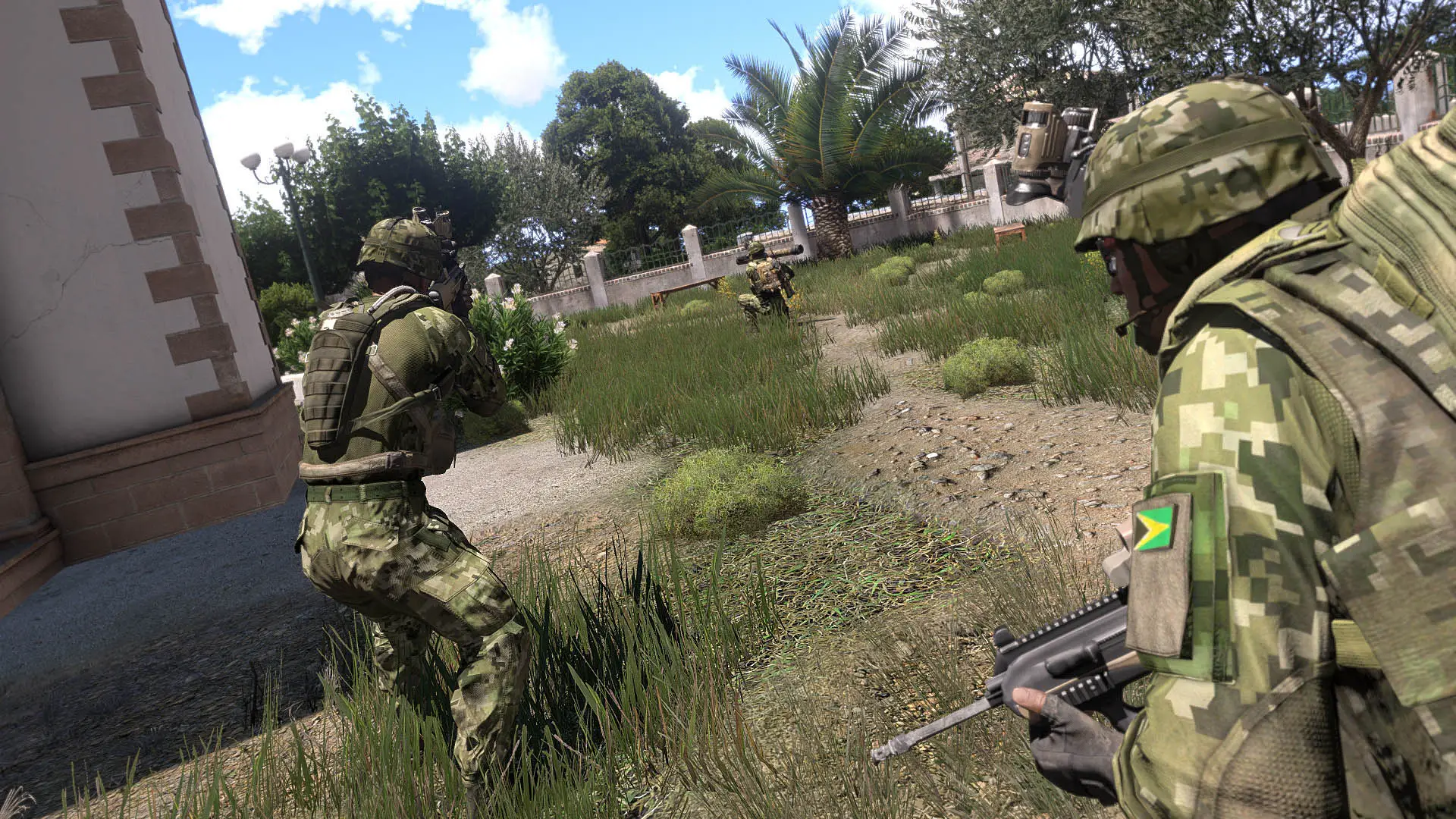
Breaking Point is a total survival overhaul for Arma 3, set in a war-torn zombie apocalypse. Where many survival mods leave players to fend for themselves, Breaking Point builds the game around factions. Each faction has its own perks and drawbacks, some get on with each other and others do not, and a scoring and levelling system rewards helping allies and punishes betrayal of friendly factions.
On top of that sit the systems survival players expect, each with its own twist. Bases are called Havens and can be built, stocked with fuel and supplies, and raided. Loot stashes can be built and hidden in the world. Zombies shamble rather than sprint and react to what they see and hear. Medical care includes bleeding and surgery, a tamed dog can track animals and warn you about other players, and vehicles persist and can be repaired with a toolbox.
- Factions: several playable factions with their own perks, drawbacks and relationships.
- Havens: a construction system for building, securing and raiding bases.
- World events: helicopter crashes, care package drops and super crates with top tier loot.
- Survival: hunting, gutting and cooking animals, boiling water and a custom medical system.
Why Breaking Point Depends on Community Servers
Breaking Point was once a network of official servers. Those servers closed in 2017, and the mod's Workshop page is plain about what that means now: the game can still be played on community hosted servers, but it cannot be hosted locally or over LAN, because it needs a server to work. A dedicated server is the only way in.
That shapes what a good Breaking Point server looks like. Players are choosing a community, not just a map, so uptime, sensible restart times and admins who answer questions matter as much as the loot tables. A server that is always on and always on the same mod version is the one people return to.
The Parts of a Working Breaking Point Server
The mod's GitHub README lists what a server owner sets up, and it helps to know the pieces even when we handle the install. There is the Arma 3 dedicated server, the Breaking Point mod and its server files, a mission that picks the map, and a MySQL database that the Hive extension reads and writes.
- The Arma 3 dedicated server, with the Breaking Point client and server mods loaded.
- The Visual C++ 2015 redistributables, which the README asks for on Windows servers.
- A MySQL database with the mod's SQL schema imported.
- Database details entered in BreakingPointExt.ini.
- The mission for your chosen map set in the server config.
- A start, and a console line confirming the game database connected.
Choosing a Map for Your Server
The map sets the pace of a Breaking Point server more than any other setting. A compact terrain brings factions into contact quickly, while a large one gives solo players room to hide and makes vehicles valuable. The mod's own mission list and its separate Workshop maps give plenty of choice.
| Map | How it loads | Good for |
|---|---|---|
| Thirsk and Thirsk Winter | Mission in the mod | Tight, fast faction fights |
| New Haven | Mission in the mod | The mod's own town, recently optimised |
| Altis and Stratis | Mission in the mod | Long drives on Altis, a quick island on Stratis |
| Tanoa | Mission in the mod | Jungle raids and boats |
| Chernarus, Esseker, Tembelan | Separate Workshop map mod plus mission | Classic survival terrain |
Decide before launch. A Breaking Point world is tied to its map, so switching later normally means starting fresh, and communities rarely forgive a surprise wipe.
Slots, Memory and Restarts
Size the server for your busiest evening. A group of friends is fine on 10 slots; three or four factions want 20 or 30; a big public server on Altis or Tanoa is where 40 and 60 slots make sense. Every extra player adds zombies around them and items to track, which is why memory rises with each plan.
Regular restarts keep any Arma 3 survival server healthy. Schedule them in the panel at fixed times, announce them in game and on your Discord, and players will plan raids around them rather than lose gear to a surprise shutdown. If the server outgrows its plan, upgrade from the client area and it keeps its files.
Looking After the Database
The database is the server's memory. Characters, scores, faction standing, Havens, stashes and vehicles all live there, so it deserves the same care as the files. Back up the files and the data before any update, and before any manual change to the tables.
If the server starts but players lose progress, or the console never shows the database connection line, the cause is usually the settings in BreakingPointExt.ini or a schema that does not match the mod version. Our support team can help you check both.
Admins, Rules and Keeping Players
Breaking Point is built on choices with consequences: betray a friendly faction and you lose progress. That only works when the rules around it are clear. Write down what counts as fair raiding, how long Havens are protected, and what happens to players who exploit bugs, then pin it where everyone sees it.
Give admin rights to as few people as possible and use sub user logins in the panel rather than sharing your own. Keep a changelog of your own for mod updates and restarts, so regulars always know which version they need to join.
Moving From Another Host
Bring the mission, the server config, your keys and a dump of the database from your old host. Upload the files over SFTP, ask our support team to import the data, and start the server once the database details are in place. Players keep their progress as long as the mod version matches.
What to Compare Before You Rent a Breaking Point Server
A survival mod with a database has more moving parts than a plain Arma 3 server. Check these before you look at the headline price.
- Database includedBreaking Point needs MySQL. Ask how the database is provided and whether you can back it up yourself.
- Full file accessMissions, configs, keys and map mods all need editing, so SFTP is essential.
- Memory per planCheck how much RAM each slot size really includes, not just the slot count.
- Location near playersRun a ping test first. Arma's gunfights punish lag.
- Backups you controlLook for snapshots you can restore yourself before a risky update.
- Billing termsCompare monthly and longer cycles, and look for setup fees and minimum terms.
Breaking Point Server Glossary
- Haven
- A player base built with the mod's construction system, used to store supplies and defend against raids.
- Faction
- A playable group with its own perks, drawbacks and relationships with other factions.
- Hive
- The extension that connects the Arma 3 server to the MySQL database where the world is stored.
- BreakingPointExt.ini
- The settings file that holds the database connection details.
- Mission
- The file the server config points to; it picks the map and the game rules.
- Loot stash
- A hidden cache a player builds in the world to gear up quickly.
- Helicrash
- A world event that drops a crashed helicopter with valuable loot somewhere on the map.
- Keys folder
- Where the server keeps mod signature keys, so only players with matching files can join.
Breaking Point Server Help and Next Steps
Useful pages for setting up and running your server.
- Breaking Point on the Steam WorkshopThe mod, its map links and server owner notes.
- Breaking Point changelogEvery update and what it changed.
- Breaking Point source and setup on GitHubThe README with server setup steps.
- Arma 3 server hostingThe plain Arma 3 server, for missions without Breaking Point.
- Arma 3 Epoch server hostingAnother survival mod for Arma 3.
- Arma 3 Altis Life server hostingThe roleplay framework for Arma 3.
- Contact support24/7 help with the mod, the mission and the database.
How this guide was made: researched from the Breaking Point Workshop page and changelog, the mod's GitHub README and Arma 3's Steam page, drafted with AI assistance, checked against our live order form for every plan, price and location, and reviewed by Matthew Griffin before publishing. Spotted something out of date? Tell us.
Sources, checked October 23, 2026:
- BreakingPoint on the Steam Workshop (features, official servers closed in 2017, community hosted servers only, not hostable locally or on LAN, separate Chernarus, Esseker and Tembelan map pages; 3.8GB; last updated 18 February 2026 per the Steam Web API). The HTML page showed a content-guidelines removal notice to an anonymous visitor while the Steam API reports the item public and not banned.
- BreakingPoint Workshop changelog (version 0.41 on 10 March 2024, DLL moved to @BreakingPointserver on 28 January 2023, Tembelan Island and Laghisola missions on 28 June 2022, 0.41 revert in February)
- deathlyrage/breakingpointmod README on GitHub (MySQL database and SQL schema, BreakingPointExt.ini, Visual C++ 2015 redistributables, mission list, APL-SA licence)
- Arma 3 on Steam (Bohemia Interactive, released 12 September 2013, Windows and macOS)
- Gaming Deluxe order form, Arma 3 Breaking Point (pid 360; slots 10 to 120, memory tiers, locations)
