


The complete guide · 5 min read
The Complete Guide to Wurm Unlimited Server Hosting
What Wurm Unlimited is, how its server works, which settings shape a world, how to handle kingdoms, GMs and mods, and how to keep a long-running world healthy.
By Matthew Griffin, Owner, Gaming DeluxePublished · Updated
In this guide
- What Wurm Unlimited Is
- How the Wurm Unlimited Server Works
- The Settings That Shape a World
- Players, Kingdoms and PvP
- GMs, Admins and Maintenance Mode
- Mods and the Built-in Mod Loader
- Keeping a Long-Running World Healthy
- What to Compare Before You Rent a Wurm Server
- Wurm Unlimited Server Glossary
- Wurm Unlimited Server Help
What Wurm Unlimited Is
Wurm Unlimited is the standalone version of Wurm Online, the long-running sandbox MMORPG where players shape the world. It came out on Steam on 21 October 2015, developed by Code Club AB. The difference is in the name: instead of joining the official servers, you run your own and decide how the world works.
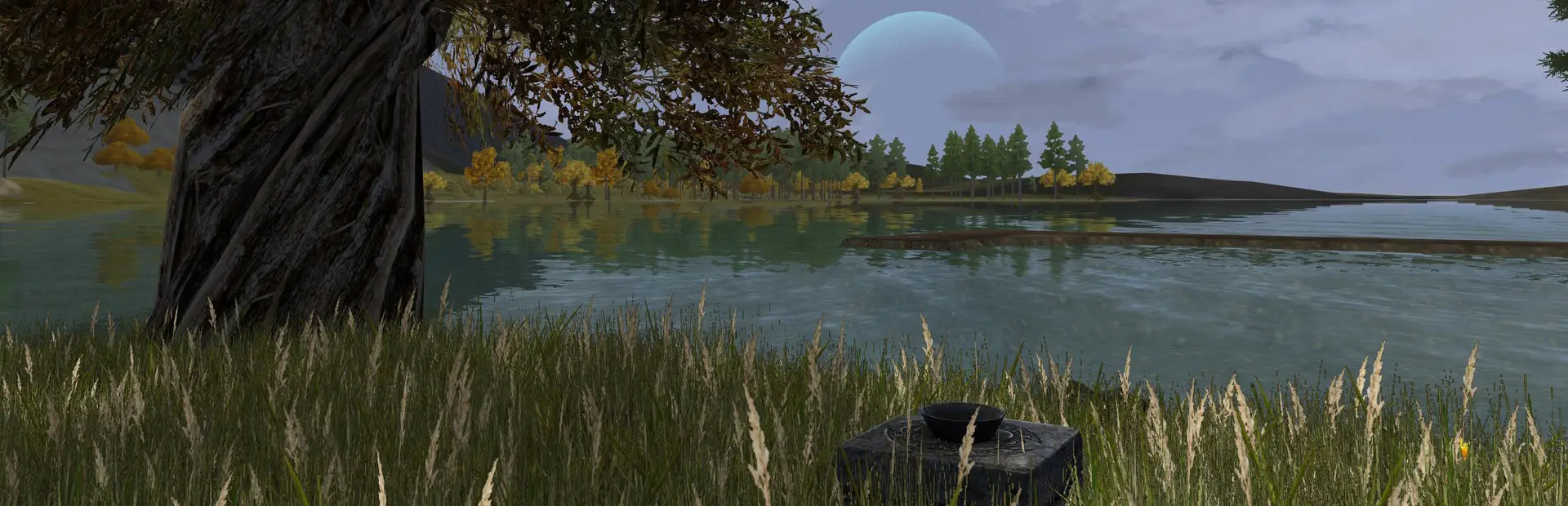
Everything is player made. You dig, raise and flatten the terrain, found a settlement on a deed, farm up to 22 crop types, cook from more than 500 recipes, tame and breed animals, build ships from rowing boats to caravels, and train almost 130 skills. Follow one of four deities, or try to join the gods on the moon of Valrei.
That depth is why people host. A Wurm world is a project measured in months and years. A hosted server keeps it running when you are offline, so fields keep growing, players in other time zones keep building, and the world is waiting when you log in.
How the Wurm Unlimited Server Works
The dedicated server is a free tool on Steam, listed under Tools, with SteamCMD app ID 402370. It is a Java program, and it ships with its own Java runtime on Windows and Linux. On a home PC you start it with WurmServerLauncher and manage it in a window called Server Management; a hosted server runs the same software headless.
Each world is a folder of database files. The server loads one world at a time, and the Database tab of the launcher can copy or rename worlds, which is how people keep a test copy beside the live one. Wurmpedia lists these network ports for a home setup:
| Port | Purpose |
|---|---|
| 3724 TCP | Player connections (externalport) |
| 8766 TCP and UDP | Steam communication |
| 27016 to 27030 UDP | Steam queries, so the server shows in the list |
| 7220 and 7221 TCP | RMI between linked servers; never expose them publicly |
The Settings That Shape a World
The Server Settings and Gameplay Tweaks pages of the launcher hold the choices that define a server. These are the ones owners argue about most.
| Setting | What it changes |
|---|---|
| Skill gain rate | A multiplier on how fast skills rise |
| Action speed | Divides the time standard actions take |
| Max creatures | How many creatures the world holds |
| Aggressive creatures | Roughly what share of them are hostile |
| Field growth time | Hours for crops to grow |
| Breeding time | A modifier on animal breeding |
| Tree spread odds | Chance out of 100 that trees spread |
| Settlement upkeep | Switch deed upkeep on or off |
| No deeding cost | Let players found deeds for free |
| Start skill values | Give new characters a head start |
Start values for characteristics and the fight skill, the HOTA delay, minimum mining hits, trader money and the money pool sit on the same page. Change one thing at a time and give players a few days before the next change.
Players, Kingdoms and PvP
Basic server settings cover the server name, the Steam password, the player limit, the message of the day, PvP and the home kingdom. The kingdoms are None, Jenn-Kellon, Mol-Rehan, Horde of the Summoned and Freedom. Leave PvP off for a peaceful building server, or turn it on and let the kingdoms fight, with religious artifacts to win.
Wurm's start-up options include maxplayers, pvp, servername, serverpassword, homekingdom and adminpwd. Wurmpedia notes that setting maxplayers on the command line disables the in-game commands for changing the player limit, so pick one way of managing it and stick to it.
GMs, Admins and Maintenance Mode
Staff in Wurm have a power level from 0 to 5. Owners hand these out carefully, because the top levels can spawn items and shut the server down.
- 0: a normal player.
- 1: Hero, can teleport and go invisible.
- 2: GM, can use the ivory wand and manage players.
- 3: High God, much the same as a GM.
- 4: Arch GM, can spawn items and creatures, set skills and shut servers down.
- 5: Implementor, very little beyond Arch GM.
Maintenance mode lets only staff with power 1 or higher connect, which is handy while you fix a problem or prepare an event. The admin password unlocks in-game admin commands for gameplay settings such as skill gain and field growth time.
Mods and the Built-in Mod Loader
Modding is what kept Wurm Unlimited alive after official content ended, and Code Club said so itself in the 1.9.2.7 notes. That update built ago's mod loader into the game, so installing a mod became as simple as placing it in the mods folder of the server, and of the client if the mod has a client side.
- Take a backup in the Backup Manager.
- Stop the server.
- Upload the mod's folder into the server's mods folder by SFTP.
- Start the server and read the log to check the mod loaded.
- Tell players if they need the client part of the mod.
Keeping a Long-Running World Healthy
A Wurm world gets heavier over time: more items, more structures, more animals in pens. Watch the log for lag warnings, and move to a larger plan before players feel it. Since 1.9.2.7 the server no longer prunes players after 90 days of inactivity, so old characters stay in the database unless you remove them.
Always shut down cleanly. The launcher has a shutdown delay and a reason message for exactly this, so players get a warning and the world saves. Back up before every change, and keep a copy of the world folder offline once in a while too.
What to Compare Before You Rent a Wurm Server
A Wurm world lasts for years, so choose for the long run.
- Memory, not slotsWorld size and creatures drive load; slot counts say little.
- File accessSFTP matters for uploading worlds and server mods.
- BackupsOffsite backups protect years of building.
- Upgrade pathCheck you can add RAM later without moving the world.
- LocationPick a site close to the players who will build most.
- Support for settingsSome settings live in the database, so helpful support counts.
Wurm Unlimited Server Glossary
- Deed
- A settlement claim that protects a player village and its land.
- Upkeep
- The running cost of a deed, which an owner can switch off.
- Kingdom
- The faction a player belongs to, such as Freedom or Mol-Rehan.
- GM power
- A staff level from 0 to 5 that unlocks admin tools.
- HOTA
- Hunt of the Ancients, a PvP event with a configurable delay between rounds.
- Valrei
- The moon where Wurm's deities live and players can join them.
- Mod loader
- The tool, built in since 1.9.2.7, that loads mods from the mods folder.
- wurm.ini
- The server file with advanced, database and logging options read at start-up.
Wurm Unlimited Server Help
Official references and our support.
- Wurmpedia: Server administration (Wurm Unlimited)Ports, start-up options, every launcher setting and GM levels.
- Wurm Unlimited 1.9.2.7 notes on SteamThe mod loader and the end of content support.
- Gaming Deluxe control panelHow the panel works and how to log in.
- Contact support24/7 help with settings, worlds and mods.
How this guide was made: researched from Wurmpedia's Wurm Unlimited server administration page, Code Club's update notes on Steam and the Steam store page, drafted with AI assistance, checked against our live order form for every plan, price and location, and reviewed by Matthew Griffin before publishing. Something out of date? Tell us.
Sources, checked October 23, 2026:
- Wurm Unlimited on Steam (developer, publisher, release date, platforms, features)
- Wurmpedia, Server administration (Wurm Unlimited): install, ports, start-up options, settings, GM levels, wurm.ini
- Code Club, "Wurm Unlimited Beta 1.9.2.7" (Steam, 21 January 2020)
- Code Club, "Patch Notes 1.9.1.5 LIVE" (Steam, 9 April 2019)
- Code Club, "Patch Notes: 1.9.0.0 Beta: Gone Fishing" and priest rework notes (Steam, 11 March 2019)
- Gaming Deluxe order form, Wurm Unlimited