


The complete guide · 5 min read
Mordhau Server Hosting: The Complete Guide
A practical guide to running a Mordhau server that people keep coming back to: what the game offers a server owner, how many slots each mode needs, the ini files, mod.io, admins and keeping the server healthy month after month.
By Matthew Griffin, Owner, Gaming DeluxePublished · Updated
In this guide
- What a Mordhau Server Gives You
- How Many Slots Each Mode Needs
- Game.ini: Name, Passwords, Rotation and Admins
- Running Mods Through mod.io
- The MORDHAU Editor and Custom Modes
- Demon Horde, Crossplay and Recent Patches
- Keeping a Mordhau Community Server Healthy
- What to Compare Before You Rent a Mordhau Server
- Mordhau Server Glossary
- Mordhau Server Help and Next Steps
What a Mordhau Server Gives You
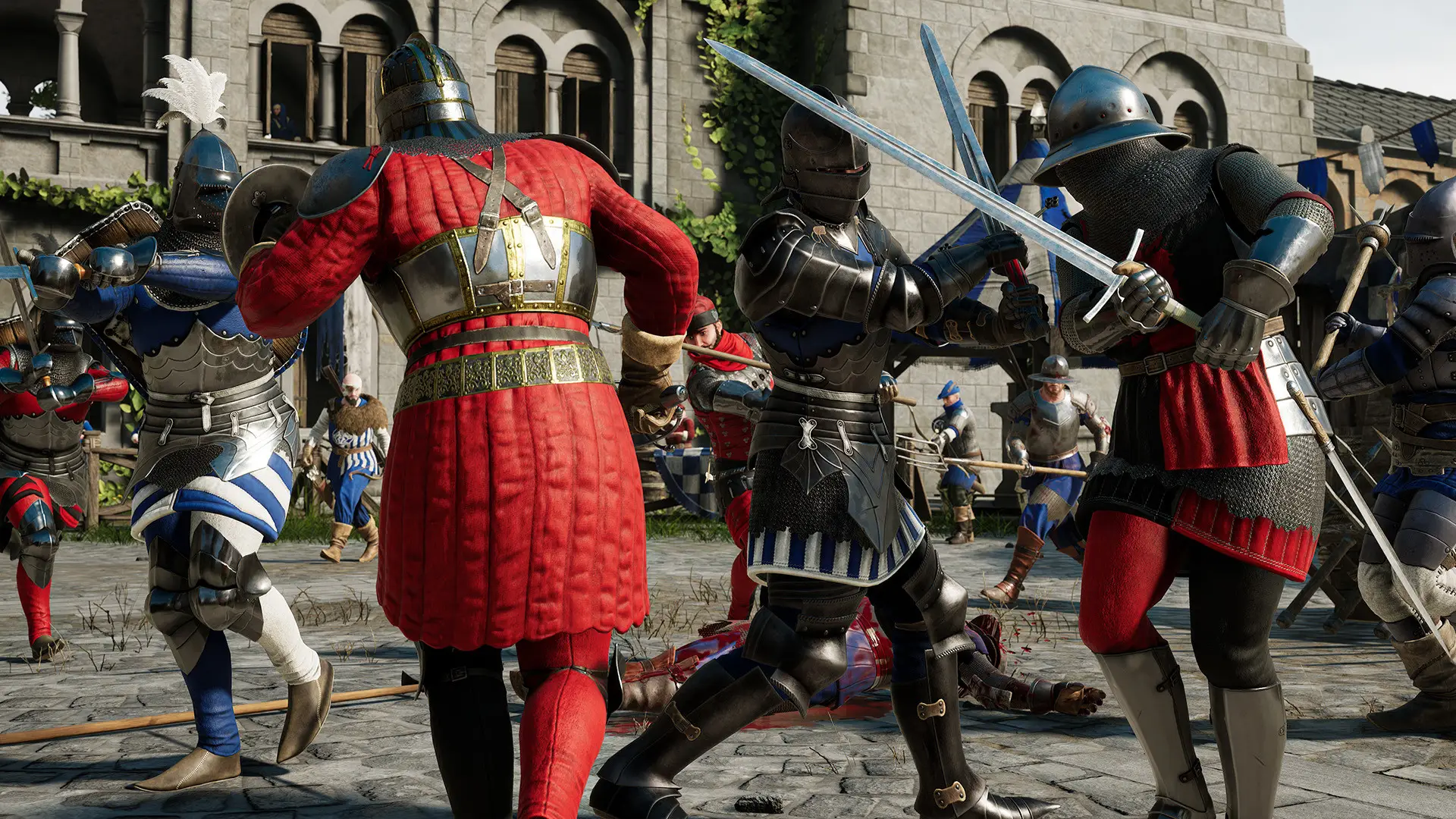
MORDHAU came out on 29 April 2019 from Triternion, a small independent studio, and its pitch has never changed: melee combat with real skill in it. You steer every swing, parry and feint yourself, build your own mercenary and weapons from parts, and fight anywhere from a quiet one-on-one to a 64-player assault with catapults, ballistae and horses.
Official servers handle matchmaking, but plenty of the game's best moments happen on community servers. A server of your own lets a clan train, a duel community keep its etiquette, or an events group run a weekly battle without waiting for the right public lobby to appear.
- One address your community saves and rejoins.
- Your rotation, from duel arenas to full Frontline maps.
- Your admins, who can mute, kick and ban.
- Your mods, pulled from mod.io automatically.
How Many Slots Each Mode Needs
Mode decides size. Duel servers are busy with eight players watching and fighting in turns; team fights work best between 16 and 32; Frontline and Invasion only feel like war when both armies are big. Our slider sells any count from 10 to 64, so these are starting points rather than fixed tiers.
| Server type | Suggested slots | Memory on that plan |
|---|---|---|
| Duels and practice | 10 | 5GB |
| Small team fights | 24 | 5GB |
| Mixed community server, Horde | 32 | 8GB |
| Frontline | 48 | 8GB |
| Full Frontline and Invasion | 64 | 12GB |
A half-empty Frontline server feels worse than a full small one, so size to the crowd you actually get on a normal evening. Adding slots later takes a minute in the client area.
Game.ini: Name, Passwords, Rotation and Admins
Almost everything that makes a Mordhau server yours lives in Game.ini. That is where you set the name players see in the browser, the join and admin passwords, the player limit, the map rotation and the list of admins. Triternion's own patch notes point server owners to Game.ini for settings such as the mod.io token and actors spawned on map start.
- Stop the server and open Game.ini in the panel's File Manager.
- Set the server name and, for a private server, a join password.
- Set an admin password and add your admins.
- Write the map rotation in the order you want it played.
- Save, start the server and check the console for errors.
Running Mods Through mod.io
Mordhau's mod pipeline is one of the tidiest around. Build #11 in September 2019 added mod.io integration: the owner takes an auth token from mod.io and places it in the ServerModAuthToken field in Game.ini. On each startup the server downloads and updates every mod that mod.io account subscribes to.
Players do not need to hunt for downloads. The same build added automatic map download when someone connects to a modded server. The simplest way to stay in control is a separate mod.io account just for the server, so its subscription list is the server's mod list and nothing else.
- Subscribe, then restart: new mods arrive on the next start.
- Unsubscribe to remove a mod from the server just as easily.
- Add custom maps to the rotation once they are on the server.
- Test a new map yourself before your community's event night.
The MORDHAU Editor and Custom Modes
In December 2021 Triternion released the official MORDHAU Editor, free on the Epic Games Store. It edits maps, gives full control over game modes and lets creators change gameplay rules, and Triternion shipped sample maps and modes with it to learn from.
For a server owner that means custom content is not limited to new scenery. Community-made modes and maps uploaded to mod.io can run on your server through the same token setup, which is how many duel and roleplay communities give their servers a character of their own.
Demon Horde, Crossplay and Recent Patches
Patch #29 in April 2024 rebuilt Horde, MORDHAU's co-op mode against waves of NPC enemies, as Demon Horde, with revamped maps, new adversaries and changes to the inventory and skill tree. Patch #30 on 6 November 2024 added four more Demon Horde maps (Grad, Contraband, Feitoria and Taiga), put Horde maps back into rotation and reworked weapon animations.
Between those two, Hotfix 2 on 4 June 2024 switched on crossplay with PlayStation and Xbox. Triternion's announcement talks about console players joining PC players on official servers. It does not say the same for community servers, so our pages do not promise console access to a rented server.
Keeping a Mordhau Community Server Healthy
Good servers are run, not just rented. Write short rules that match your mode, especially for duel servers where etiquette matters, and make sure at least one admin is online at busy times. MORDHAU already gives admins mute, unmute and ban commands, and teamkill auto-kicks apply per server, so a bad actor costs you minutes rather than evenings.
Set a nightly restart for a quiet hour, take a snapshot before every big change to Game.ini or the mod list, and remember we keep offsite copies of the last 7 days, restorable from the panel. Moving from another host is simple: upload your Game.ini and any other configs, add your mod.io token, start the server and it rebuilds the mod list on its own.
What to Compare Before You Rent a Mordhau Server
Questions to ask any host first.
- Slots you can fine-tuneA duel server should not pay for 64 slots.
- Real Game.ini accessA short settings form cannot hold a rotation and admin list.
- mod.io friendlyCheck the server can reach mod.io and keep mods updated.
- Memory for big battles64-player Frontline needs more than a duel yard.
- Ping from your PCMelee timing punishes lag; test before you pay.
- Contract termsLook for setup fees and minimum periods.
Mordhau Server Glossary
- Triternion
- The independent studio that develops and publishes MORDHAU.
- Frontline
- A large objective mode where two armies push across a map.
- Invasion
- An attack and defend mode with stages, built for big player counts.
- Demon Horde
- The 2024 rework of the co-op Horde mode against waves of enemies.
- Game.ini
- The server file holding its name, passwords, rotation and admins.
- mod.io
- The mod platform MORDHAU servers download mods and maps from.
- MORDHAU Editor
- Triternion's free official tool for making maps and modes.
Mordhau Server Help and Next Steps
Useful places to go next.
How this guide was made: researched from MORDHAU's Steam store page and Triternion's patch notes on Steam, drafted with AI assistance, checked against our live order form for every plan, price and location, and reviewed by Matthew Griffin before publishing. Triternion confirms crossplay for official servers only, so we make no console claim for rented servers. Spotted something out of date? Tell us.
Sources, checked October 23, 2026:
- MORDHAU on Steam (Triternion, 29 April 2019; up to 64 players in Frontline and Invasion; Horde co-op; cross-platform multiplayer)
- Triternion, MORDHAU Build #11 (10 September 2019: mod.io integration, ServerModAuthToken in Game.ini, automatic map download on connect)
- Triternion, Mordhau Editor Released (14 December 2021, free on the Epic Games Store)
- Triternion, Patch #29 Demon Horde (29 April 2024) and Hotfix 2, Crossplay for PC and Consoles (4 June 2024, official servers)
- Triternion, MORDHAU Patch #30 (6 November 2024: Grad, Contraband, Feitoria and Taiga Demon Horde maps)
- Gaming Deluxe order form, Mordhau (slot slider 10 to 64)
